AdvertiseMint discovered a new feature in Ads Manager: you can now paste a link to create video ads.
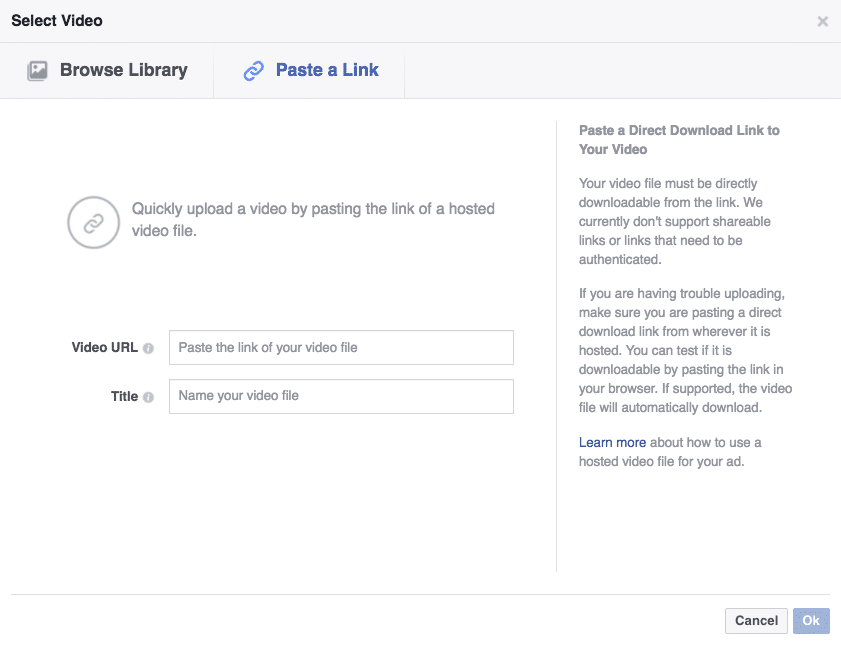
The “Paste a Link” option appears adjacent to the “Browse Library” button. Click it to paste your link.

Paste your video’s URL and include a title for your file.
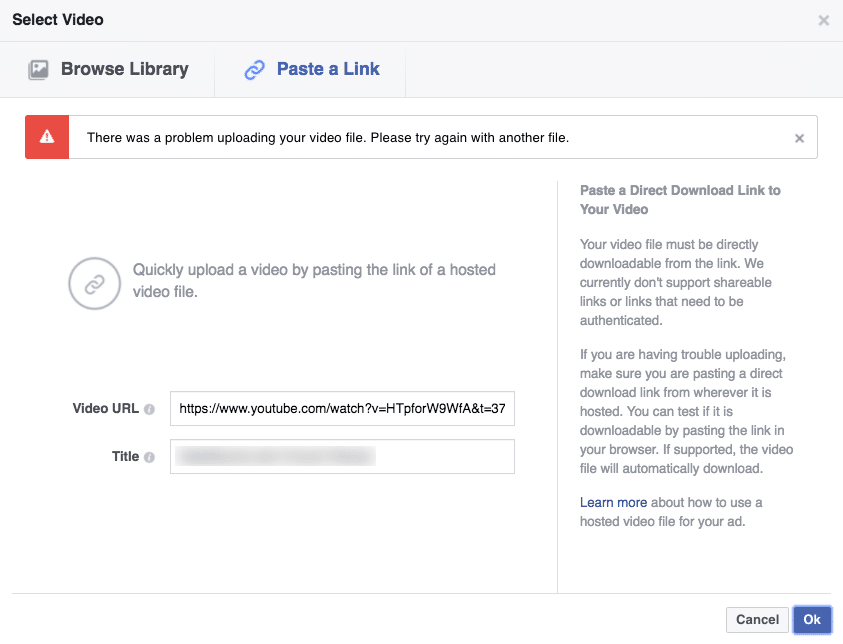
Unfortunately, if you try to use a video link from Facebook’s rival, Youtube, your link will be rejected.
Below are the supported file formats for video ads:
| .mov | .qt | .wmv | .avi | .mpe | |
| .mpg | .mpeg | .asf | .mp4 | .m4v | |
| .mpeg4 | .3gpp | .3gp | .3g2 | .mkv | |
| .flv | .vob | .ogm | .ogv | .mod | |
| .tod | .dat | .mts | .m2ts | .dv | |
| .divx | .f4v | .ts | .tmp | .rmvb | .vwebm |
Feature not available to you yet? Let us know on the comments section below. If you found this update interesting, share the link to friends.

